

Workspace / THE BUYING BRIEF
A quieter mouse that actually connects.
Start with the computer. Then choose the shape, controls and charging routine.
 Jonathan LowryPublished October 3, 2026 · 3 min read · sources accessed October 3, 2026
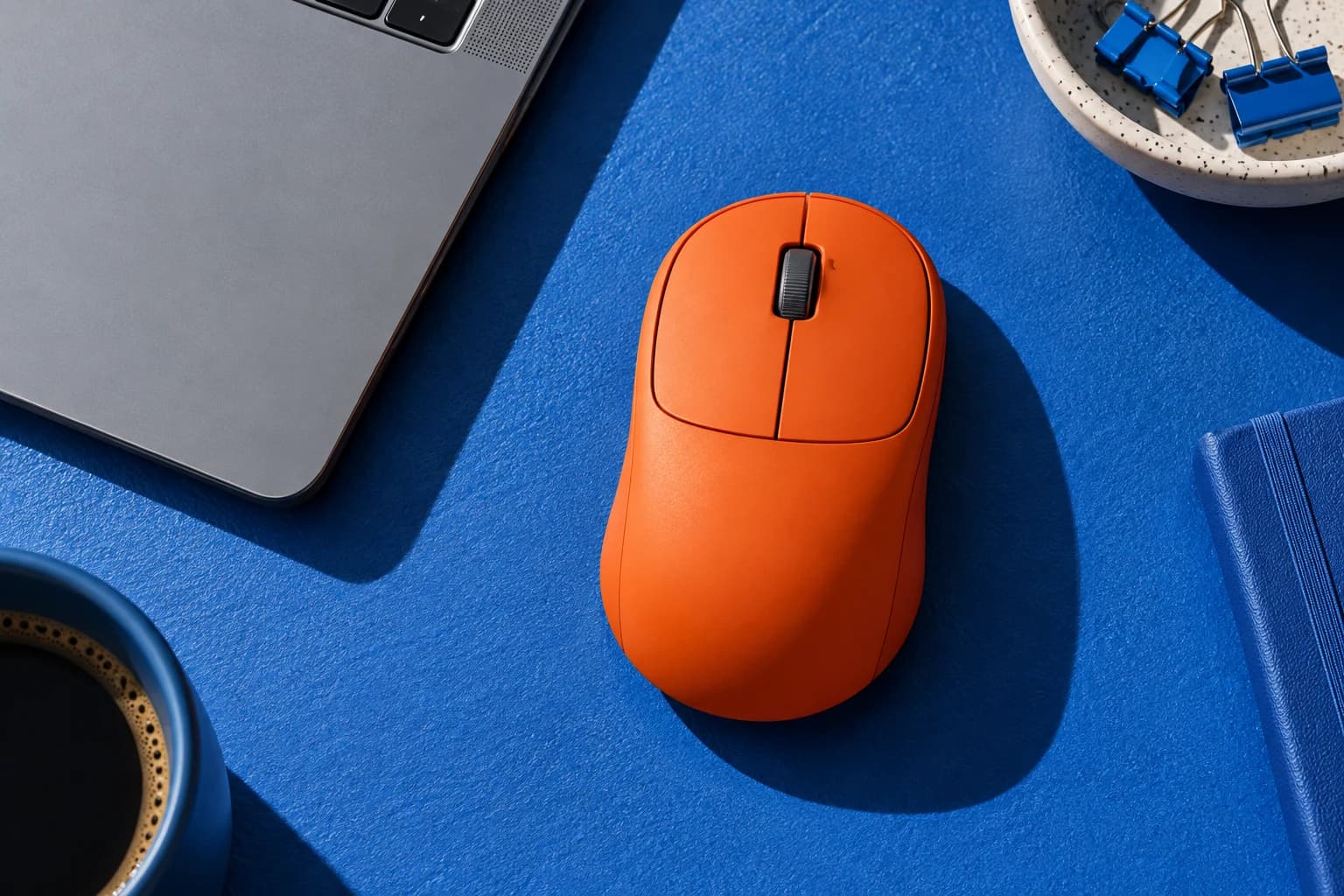
A quieter click is appealing in a shared office, bedroom desk or library. But the first buying question is less glamorous: will this exact mouse connect to this exact computer in the way you expect? A tiny product can create a surprisingly annoying purchase when the receiver, port or software requirement is overlooked.
Use quiet-click claims as one filter, not the entire decision. We have not measured click volume or tested comfort. This guide focuses on the connection, daily controls and ownership details you can verify before ordering, with one real manufacturer example that illustrates why the model number matters.
01
Wireless is a family of connections
Check whether the mouse uses Bluetooth, a dedicated receiver or both. Then inspect the ports and permitted connection methods on your computer. A work-managed laptop may have rules about pairing or software; ask the person responsible for it rather than buying on an assumption.
Logitech's setup page says its Pebble Mouse 2 M350s supports Bluetooth and a separately purchased Logi Bolt receiver. That is a model-specific example, not a promise about every Pebble bundle or wireless mouse. Receiver families and included accessories need checking on the actual listing you are considering.
02
Match the shape to the way you use it
A slim portable mouse can be appealing in a bag, while a larger sculpted shape may appeal at a fixed desk. Neither shape is automatically best for every hand or posture. Compare dimensions with a mouse you know, note your preferred grip and inspect where the buttons sit.
If you can try the product under the seller's terms, assess it in a normal work task rather than judging it from a quick click. If you cannot, use clear return conditions as part of the buying decision. We do not infer a health benefit from ergonomic branding or prescribe a shape for pain.
03
Buy the controls your work needs
List the actions you repeat: scrolling documents, moving between devices, using a middle click or navigating back and forward. Compare those actions with the hardware buttons and documented operating-system support. A customizable function may require software you cannot or do not want to install.
For multiple computers, check the switching method and how many devices the model supports. For a travel setup, think about where you will keep a receiver if one is required. Our buying judgment is to treat dependable everyday controls as a better starting point than a long list of unused shortcuts.
04
Check the items that disappear in the listing
Confirm whether the mouse takes replaceable batteries or charges internally, what is included and whether a charging cable is needed. Read the conditions behind battery-life claims. A headline duration cannot tell you exactly how often your personal use will require charging or replacement.
Finally, compare the full purchase: mouse, required receiver, any needed adapter and delivery. Make sure the model number, selected color and accessories match the description. A small additional component can change whether the apparent bargain is actually the simplest option for your desk.
THE SHORTLIST STARTS HERE
Three directions to compare
Start with the approach that fits your needs, then compare the details that matter to you.
Bluetooth-first
A compatible computer with Bluetooth enabled and a simple portable setup.
The trade-off: Check work-device restrictions and exact operating-system support.
Receiver-first
A documented matching receiver and an appropriate free computer port.
The trade-off: Included receivers and proprietary families differ by model.
Multi-device desk
A model with the switching controls and device count you need.
The trade-off: Custom features may depend on separately installed software.
SAVE YOURSELF THE SURPRISE
Before checkout
- Computer connection and ports confirmed.
- Receiver compatibility and inclusion checked.
- Dimensions compared with a familiar mouse.
- Essential buttons supported on your system.
- Battery or charging contents verified.
- Full accessory cost included in comparison.
MAKE IT PERSONAL
Bring your brief to the concierge.
Start with this, then add the details that matter to you:
“Help me find a quiet wireless mouse that works with my computer.”
Find my options ↗Sources
- Getting started: Pebble Mouse 2 M350s
Logitech · manufacturer · Accessed October 3, 2026
Specific connection example: Bluetooth or separately purchased Logi Bolt receiver. Local bundles may differ.
ANOTHER GOOD QUESTION