
TECH GUIDE
Best Router for Small Apartment
The short answer
The NETGEAR Nighthawk RS200 is the one to get if you want Wi-Fi 7 and enough speed for a small home with 15 to 20 devices. Go with the Archer AX21 if 1.8 Gbps is enough, or the Linksys if you just need basic internet in a small apartment.
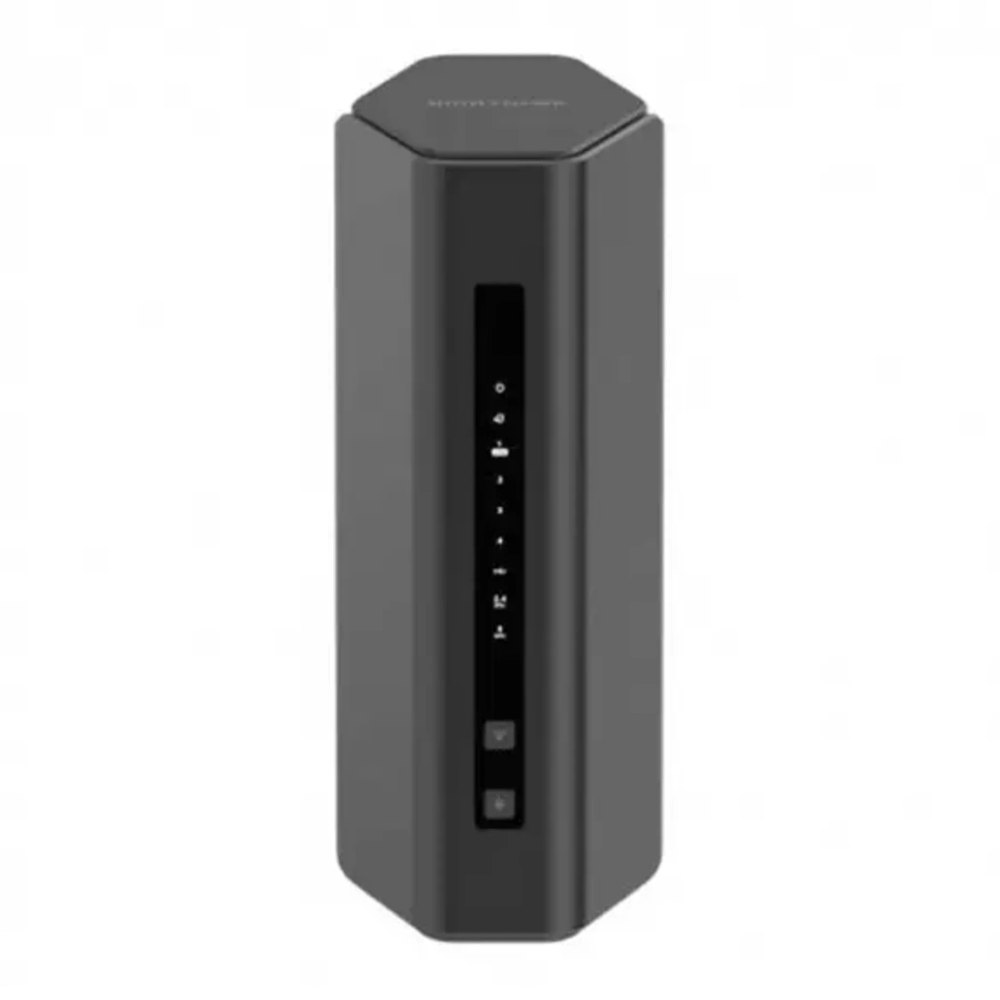 Top pickNETGEAR Nighthawk RS200
Search on AmazonCompare prices on AmazonFind it on Amazon ↗
Some links here earn us a commission when you buy. It never decides what we pick. How we earn
Why we like it, the catch, and 2 more picks ↓ Jonathan LowryResearched October 14, 2026 · 3 picks · 3 sources
the best router for small apartment
Pick in five seconds
At a glance
| Pick | Best for | Skip it if | Where |
|---|---|---|---|
| NETGEAR Nighthawk RS200OUR PICK | This router provides the latest Wi-Fi 7 technology, ideal for high-speed connectivity in small spaces. | you don't need high speed for multiple devices. | Amazon ↗ |
| TP-Link Archer AX21ALSO GREAT | The Archer AX21 balances performance and value with good coverage for the size. | you need more than 1.8 Gbps for multiple devices. | Amazon ↗ |
| Linksys EA6350ALSO GREAT | Ideal for basic internet usage, providing solid speeds for smaller apartments. | you require faster speeds for streaming or gaming. | Amazon ↗ |
What we looked for
- Speed that matches your internet plan, because extra router speed does not help if your plan is slower
- Coverage sized for a small apartment, because the space is small but weak corners still matter
- Capacity for your devices, because one pick is meant for 15 to 20 devices
- Wi-Fi generation, because Wi-Fi 7, Wi-Fi 6, and Wi-Fi 5 bring different speed ceilings
- Wired Ethernet ports, because some setups still work better on a cable
01 / OUR PICK
NETGEAR Nighthawk RS200
Big speed for a busy small home
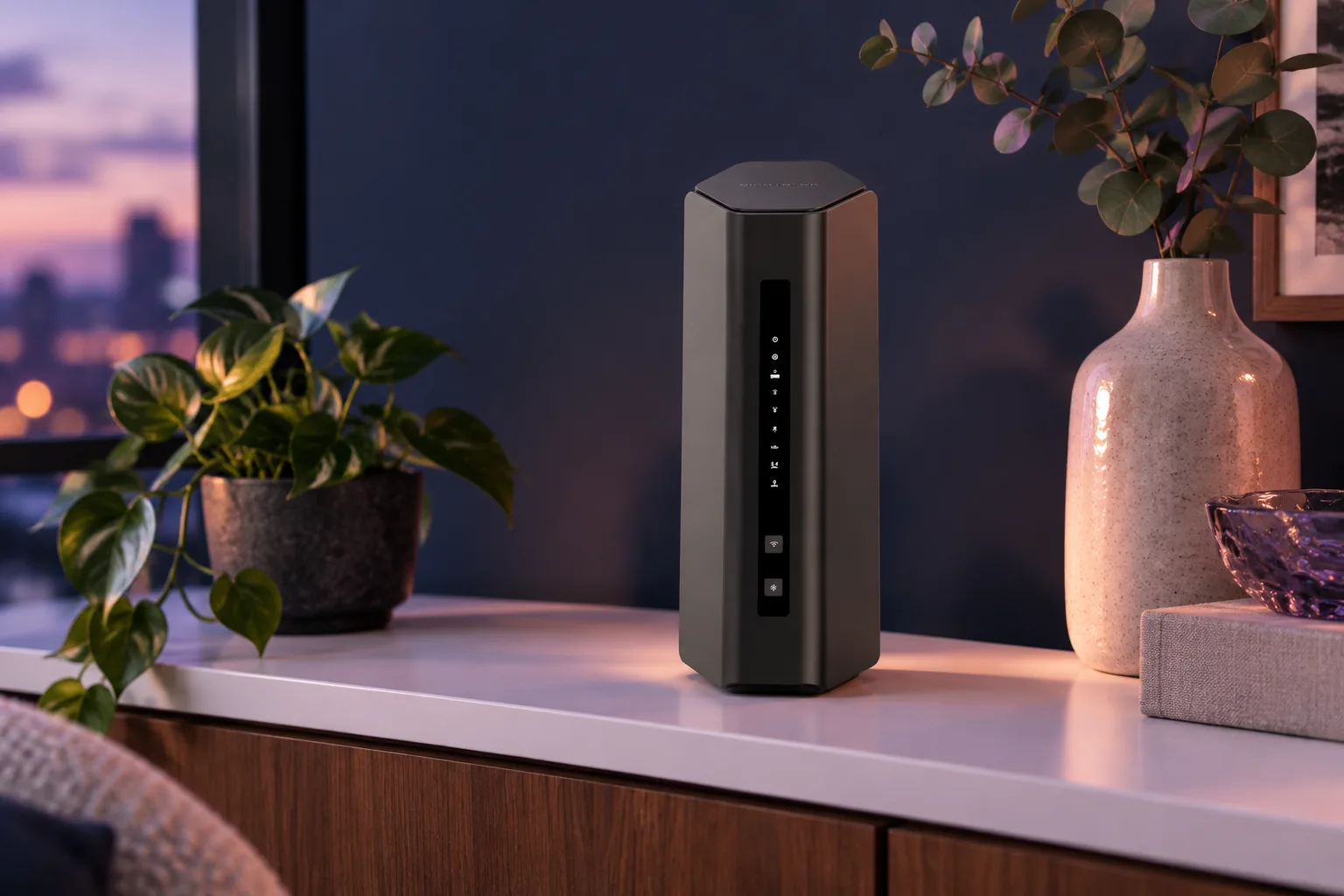
On a night when the TV is running, a laptop is open, and a bunch of home devices are all asking for Wi-Fi, the NETGEAR Nighthawk RS200 makes the most sense. It brings Wi-Fi 7, two bands, and speeds up to 6.5 Gbps, with room for 15 to 20 devices in a small home. We would choose it over the TP-Link Archer AX21 when you want the newer standard and more speed, and over the Linksys EA6350 when basic service is not enough. You may be buying speed you do not need if your apartment has only a few devices.
Why we like it This router provides the latest Wi-Fi 7 technology, ideal for high-speed connectivity in small spaces.
Skip it if you don't need high speed for multiple devices.
- Offers advanced Wi-Fi 7 capabilities for faster speeds. per the maker
02 / ALSO GREAT
TP-Link Archer AX21
The middle ground that makes sense
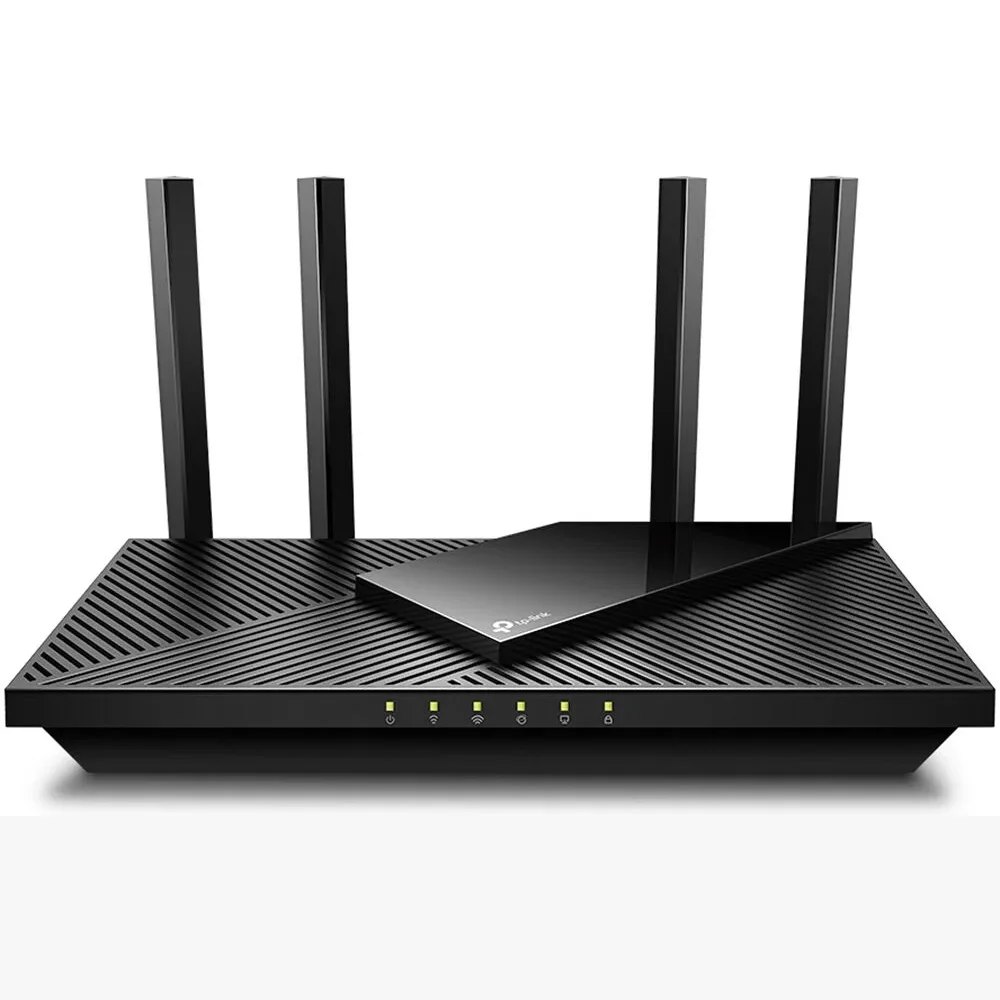
Picture a small apartment where the internet job is moderate, not huge. The TP-Link Archer AX21 fits that lane with dual-band Wi-Fi 6, speeds up to 1.8 Gbps, and coverage described as good for the size. Its four high-performance antennas are there to extend coverage, which matters more here than paying for Wi-Fi 7. We would take it over the Linksys EA6350 when you want more speed, but we would skip it for the NETGEAR Nighthawk RS200 when you want the latest standard or more room above 1.8 Gbps. It runs out of room sooner if you need more than 1.8 Gbps for multiple devices.
Why we like it The Archer AX21 balances performance and value with good coverage for the size.
Skip it if you need more than 1.8 Gbps for multiple devices.
- Features include four high-performance antennas for extended coverage. per the store
03 / ALSO GREAT
Linksys EA6350
Basic internet plus room for cables
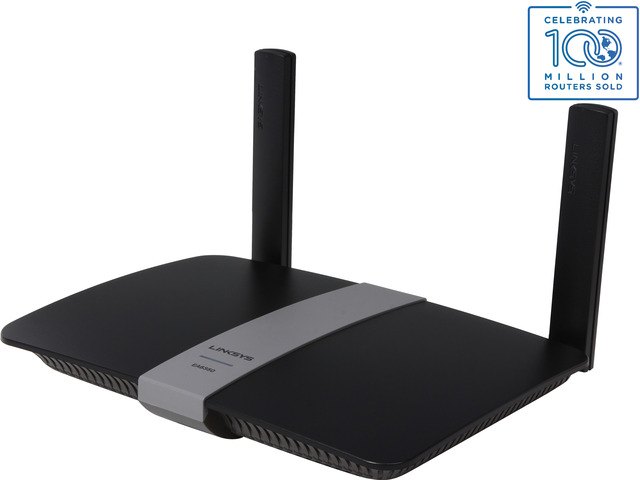
Some apartments just need the internet to do the basics and keep a few wired devices connected. The Linksys EA6350 keeps the ask simple with dual-band Wi-Fi 5, speeds up to 1.2 Gbps, and four Gigabit Ethernet ports for anything that is better on a cable. We would choose it over the TP-Link Archer AX21 or the NETGEAR Nighthawk RS200 only when basic internet use is the whole point and faster standards are not. It is a smaller step than either of those on speed, so it will feel limiting sooner if faster speeds for streaming or gaming matter.
Why we like it Ideal for basic internet usage, providing solid speeds for smaller apartments.
Skip it if you require faster speeds for streaming or gaming.
- Offers four Gigabit Ethernet ports for wired connections. per the store
OUR CALL
Which one we would buy
NETGEAR Nighthawk RS200 wins because it gives a small apartment the most speed headroom, plus Wi-Fi 7 and room for 15 to 20 devices. We would move to the TP-Link Archer AX21 when 1.8 Gbps is enough and you want a more measured fit for apartment-size coverage. We would take the Linksys EA6350 when your needs are basic and its four Gigabit Ethernet ports matter more than faster Wi-Fi. Before buying, make sure the router fits your internet plan. You know what your place needs.
ONE MORE THING
Before you buy
Ensure compatibility with your internet plan and check return policies.
GOOD TO KNOW
Quick questions
Which one should I start with?
Start with the NETGEAR Nighthawk RS200, a powerful option for small apartments. The other choices are great for balancing features and price.
MAKE IT PERSONAL
Shopping for something a little different?
Tell the concierge your budget, who it's for and what you already own, and it will put together a shortlist just for you.
“the best router for small apartment”
Find my options ↗Can't find it here?
Ask. We research it tonight and email you the guide in the morning.
Sources
- netgear.com
Accessed October 14, 2026
- walmart.com
Accessed October 14, 2026
- newegg.com
Accessed October 14, 2026
We chose the picks from these sources, and the guide went live after automatic checks that every line makes sense and is safe to publish. Nothing here is paid placement, and commissions never decide what we pick. How we choose.
KEEP GOING