
TECH GUIDE
Best PS5 Accessories for New PlayStation Owners
The short answer
Get the DualSense Charging Station if you use DualSense or DualSense Edge controllers and want two charged without messing with cables. Pick the PULSE 3D for footsteps, positional audio, and chat, the Media Remote if you use Netflix, YouTube, or Spotify a lot, or another DualSense for local co-op.
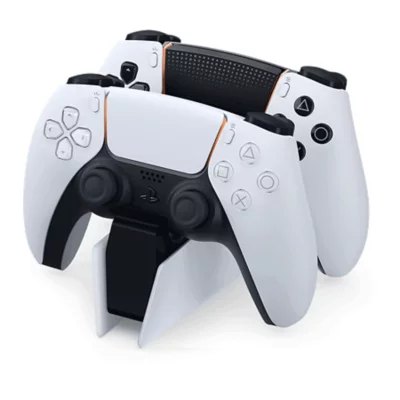 Top pickDualSense™ Charging Station (CFI-ZDS1)
We earn a commission from some links. How we earn
See all 5 picks ↓ Jonathan LowryResearched November 2, 2026 · 5 picks · 5 sources
the best PS5 accessories for new PlayStation owners
Quick pick
- If you want two controllers charged without cable fussDualSense™ Charging Station (CFI-ZDS1)
- If you care about footsteps positional audio and chatPULSE 3D™ Wireless Headset (CFI-ZWH1)
- If you use Netflix YouTube or Spotify on PS5 oftenMedia Remote (CFI-ZMR1)
- If you plan to stream or use picture-in-picture captureHD Camera (CFI-ZHD1)
- If you want local co-op with a second padDualSense™ Wireless Controller (standard)
At a glance
| Pick | Best for | Skip it if | Where |
|---|---|---|---|
| DualSense™ Charging Station (CFI-ZDS1)OUR PICK | Best add-on for keeping controllers ready without fiddly cables. | you need to charge something other than DualSense or DualSense Edge controllers | Amazon ↗ |
| PULSE 3D™ Wireless Headset (CFI-ZWH1)ALSO GREAT | Biggest quality-of-life upgrade for footsteps/positional audio and chat. | you do not want to use the included wireless adaptor with your PS5 | Amazon ↗ |
| Media Remote (CFI-ZMR1)ALSO GREAT | Great if you actually use Netflix/YouTube/Spotify and want fewer button presses. | you want to use streaming services without an internet connection or account | Amazon ↗ |
| HD Camera (CFI-ZHD1)ALSO GREAT | Best choice for creators, streamers, or anyone who wants 'picture-in-picture' capture. | you use PlayStation VR | Amazon ↗ |
| DualSense™ Wireless Controller (standard)ALSO GREAT | Most practical accessory if you want a second controller for co-op. | you don’t need an extra pad. | Amazon ↗ |
What we looked for
- A way to charge two DualSense controllers, because dead pads stop play
- Audio tuned for PS5 3D Audio, because footsteps and positional cues matter
- Dedicated entertainment buttons and TV controls, because streaming apps get old on a gamepad
- 1080p capture with an adjustable stand, because streaming and picture-in-picture need a camera
- A second controller, because local multiplayer starts with another pad
01 / OUR PICK
DualSense™ Charging Station (CFI-ZDS1)
Two controllers ready, no cable shuffle
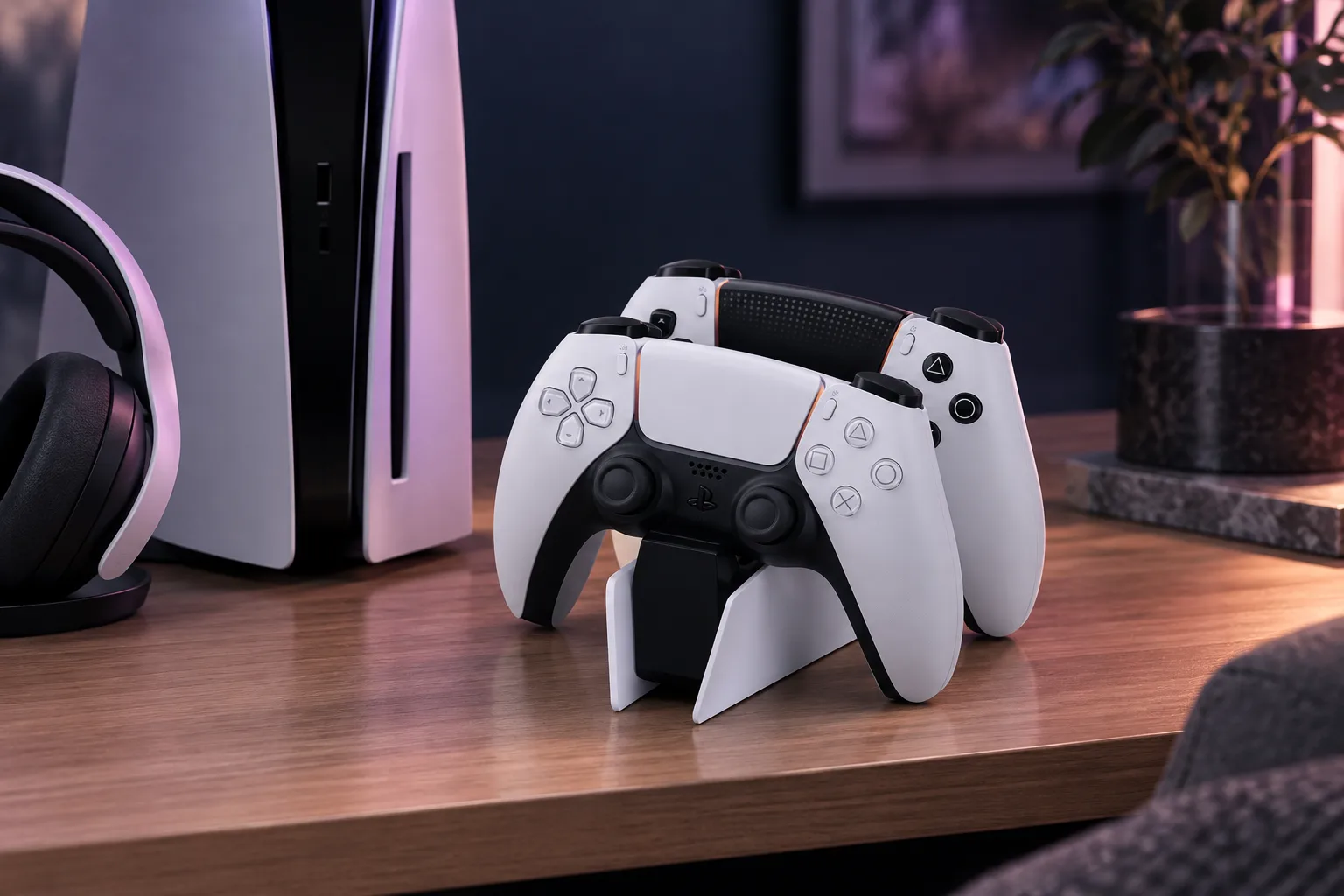
Late in a co-op night, one pad dies and nobody wants to hunt for a cable. The DualSense Charging Station keeps up to two DualSense or DualSense Edge controllers charging at the same time, which is why we like it as the first extra for most new PS5 owners. It does a more useful daily job than the HD Camera or Media Remote if your main problem is just keeping play going. It also makes more sense than another DualSense Wireless Controller when you already have enough pads but keep forgetting to plug them in. It will not help with anything other than DualSense or DualSense Edge controllers.
Why we like it Best add-on for keeping controllers ready without fiddly cables.
Skip it if you need to charge something other than DualSense or DualSense Edge controllers
- Charges up to two DualSense or DualSense Edge controllers at the same time. per the maker
02 / ALSO GREAT
PULSE 3D™ Wireless Headset (CFI-ZWH1)
Footsteps, space, and chat together
At 1 AM in a ranked match, the thing you care about is hearing where people are and talking to your team without thinking about menus. The PULSE 3D Wireless Headset is tuned for PS5 3D Audio, which is why we would grab it before the Media Remote if games come first. Against the DualSense Charging Station, it changes what you hear during a session rather than how you store gear between sessions. It is also the pick here that directly targets footsteps, positional audio, and chat. You need to be okay using the included wireless adaptor with your PS5.
Why we like it Biggest quality-of-life upgrade for footsteps/positional audio and chat.
Skip it if you do not want to use the included wireless adaptor with your PS5
- Tuned for PS5 3D Audio (Tempest 3D AudioTech). per the maker
03 / ALSO GREAT
Media Remote (CFI-ZMR1)
Less clicking to reach a show
After dinner, the console turns into the living room TV box and nobody wants to click through rows of icons just to get to a show or playlist. The Media Remote gives you dedicated entertainment buttons and TV controls via an IR transmitter, so it suits the nights when Netflix, YouTube, or Spotify matter more than game chat. Compared with the PULSE 3D Wireless Headset, it helps before the movie starts, not during a match. Compared with the DualSense Charging Station, it cuts button presses instead of keeping controllers ready. It will not solve streaming without an internet connection or an account.
Why we like it Great if you actually use Netflix/YouTube/Spotify and want fewer button presses.
Skip it if you want to use streaming services without an internet connection or account
- Dedicated entertainment buttons and TV controls via an IR transmitter. per the maker
04 / ALSO GREAT
HD Camera (CFI-ZHD1)
Your face in the corner
The week you decide to stream or put your face in the corner of gameplay, a controller dock will not move the needle much. The HD Camera gives 1080p capture and a built-in adjustable stand, which is why we would choose it over the Media Remote or DualSense Charging Station for creators, streamers, and picture-in-picture capture. Compared with the PULSE 3D Wireless Headset, it is about being seen rather than hearing footsteps and chat. The built-in adjustable stand is already part of the camera. It is the wrong pick here if you use PlayStation VR.
Why we like it Best choice for creators, streamers, or anyone who wants 'picture-in-picture' capture.
Skip it if you use PlayStation VR
- 1080p capture and a built-in adjustable stand. per the maker
05 / ALSO GREAT
DualSense™ Wireless Controller (standard)
One more pad, one more player
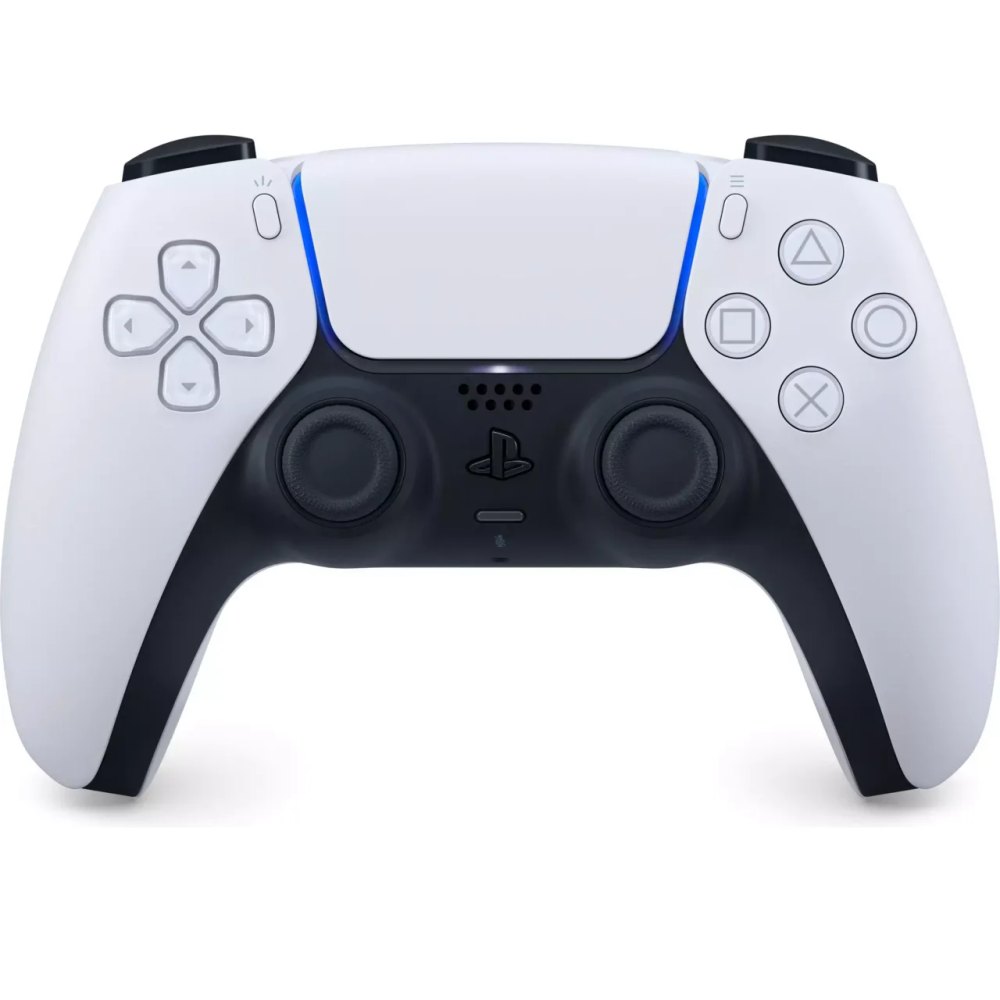
A second person drops by and suddenly the most useful accessory is the one that lets both of you play. The DualSense Wireless Controller is the practical pick for local multiplayer and pairing with PS5 play, so we would take it over the Media Remote when the console is mostly for couch co-op. Compared with the DualSense Charging Station, though, it solves a different problem. The station keeps controllers ready, while this gives you another pad to hand over. It will sit around if you do not need an extra pad.
Why we like it Most practical accessory if you want a second controller for co-op.
Skip it if you don’t need an extra pad.
- The DualSense line is designed for local multiplayer and pairing with PS5 play. per the maker
Which one we would buy
DualSense Charging Station wins because keeping controllers ready without fiddly cables is the first problem most new PS5 owners hit. We would take the PULSE 3D Wireless Headset instead if footsteps, positional audio, and chat matter most to you. We would take the Media Remote if your PS5 spends lots of time on Netflix, YouTube, or Spotify. The HD Camera is the move for creators, streamers, or picture-in-picture capture. The DualSense Wireless Controller is the better call when local co-op is the reason you are buying anything at all. You already know your kind of night.
Before you buy
Check the latest availability and shipping options at the respective links.
Quick questions
Which one should I start with?
Start with the DualSense™ Charging Station to keep your controllers powered up. If you primarily play single-player and rarely run out of battery, then consider the PULSE 3D™ Wireless Headset for a quality audio experience instead.
Want picks for your situation?
Ask the concierge ↗Can't find it here?
Ask and we'll email you a guide.
Sources
- direct.playstation.com
Accessed November 2, 2026
- playstation.com
Accessed November 2, 2026
- playstation.com
Accessed November 2, 2026
- playstation.com
Accessed November 2, 2026
- playstation.com
Accessed November 2, 2026
No paid placements. How we choose